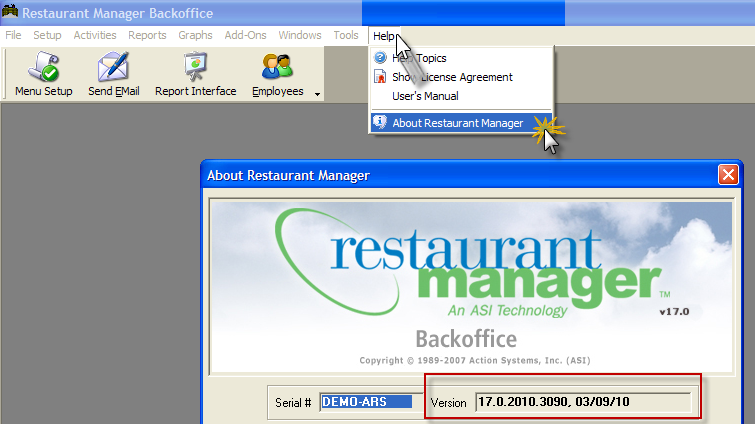
If running an older version of RM Monitor, you will need to upgrade your RMWIN build on your server if you wish to take advantage of the PDF Reports. The RM Version 17 build needed should be dated 17.0.2010.03110. You can verify your current version by opening the RM BackOffice Module and go to Help on the Menu options > About Restaurant Manager > and verify the version shown on screen.
Downloading this version will install the RMAlertd(exe) needed to run PDF Reports and automatically create a RM Monitor folder with default reports in the RM report Module.
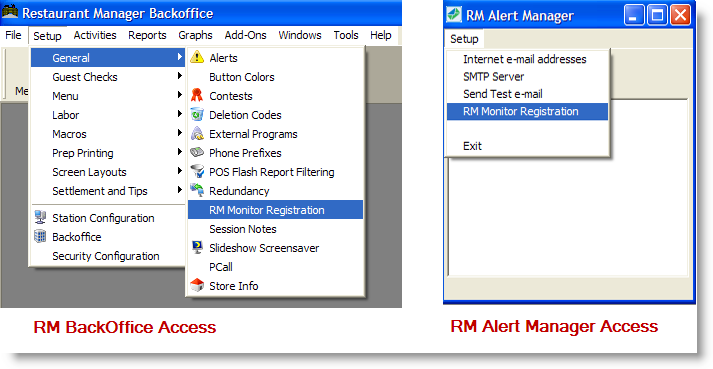
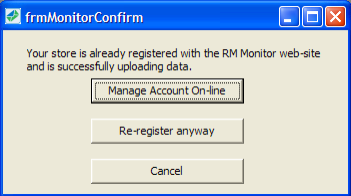
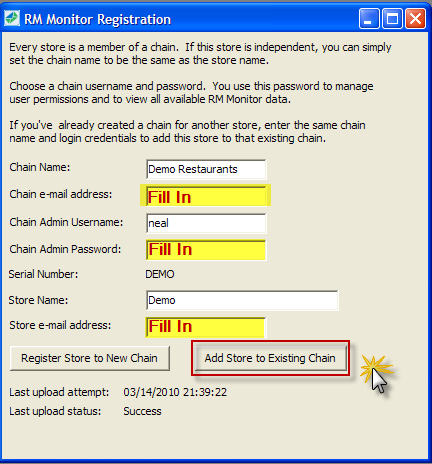
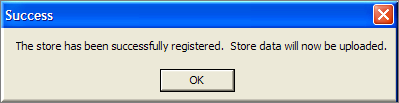
Once the proper RM Build has been installed you will needed to update the RM Monitor Admin page using the following steps:
Updating you I phone or IPod Touch device simply requires going to the App Store and downloading the latest version of the RM monitor App. Most I Phones and IPods come with a PDF reader and do not require a third party PDF reader.
There is no additional setup required to use PDF Reports on your desktop or mobile device. Browser based devices get the upgrade automatically because it's server based and their accessing the server through the URL. However, you may have to install a PDF reader on the desk or mobile device if such software is not present.